Space Works Organization · Features
Web analytics
Optional outside analytics for public pages, off until set up and run only after a visitor agrees, beside visit counts Space Works keeps itself.
What it does
There are two kinds of web analytics in Space Works Organization:
- Visit counts, always on and kept by Space Works itself, with no cookie and no personal data.
- Outside providers, all off by default, that the platform or an organisation can set up for public pages.
Visit counts
- Space Works counts views of its public pages itself: how many views each kind of public page had each day. A visit sends only the page's route template (and the organisation's slug on
/o/pages), and the server adds one to a daily counter. - No cookie or storage key is written, and the visitor's address is never stored; it is only used, hashed, to limit requests. Obvious bots, private pages and inactive organisations are not counted.
- These counts need no consent. An organisation reads its own under Reports, Web visits (
/dashboard/<org>/reports/visits): views by day and by page for the chosen period (30 days by default, in UTC days), with Export CSV. The super admin sees platform and per-organisation totals in platform analytics.
Outside providers
| Purpose | Providers |
|---|---|
| Page analytics (one provider) | Plausible, Umami, Google Analytics 4, Firebase Analytics, PostHog; Mixpanel when the operator sets it |
| Session replay | Microsoft Clarity, PostHog |
| Diagnostics and performance | Sentry, Firebase Performance |
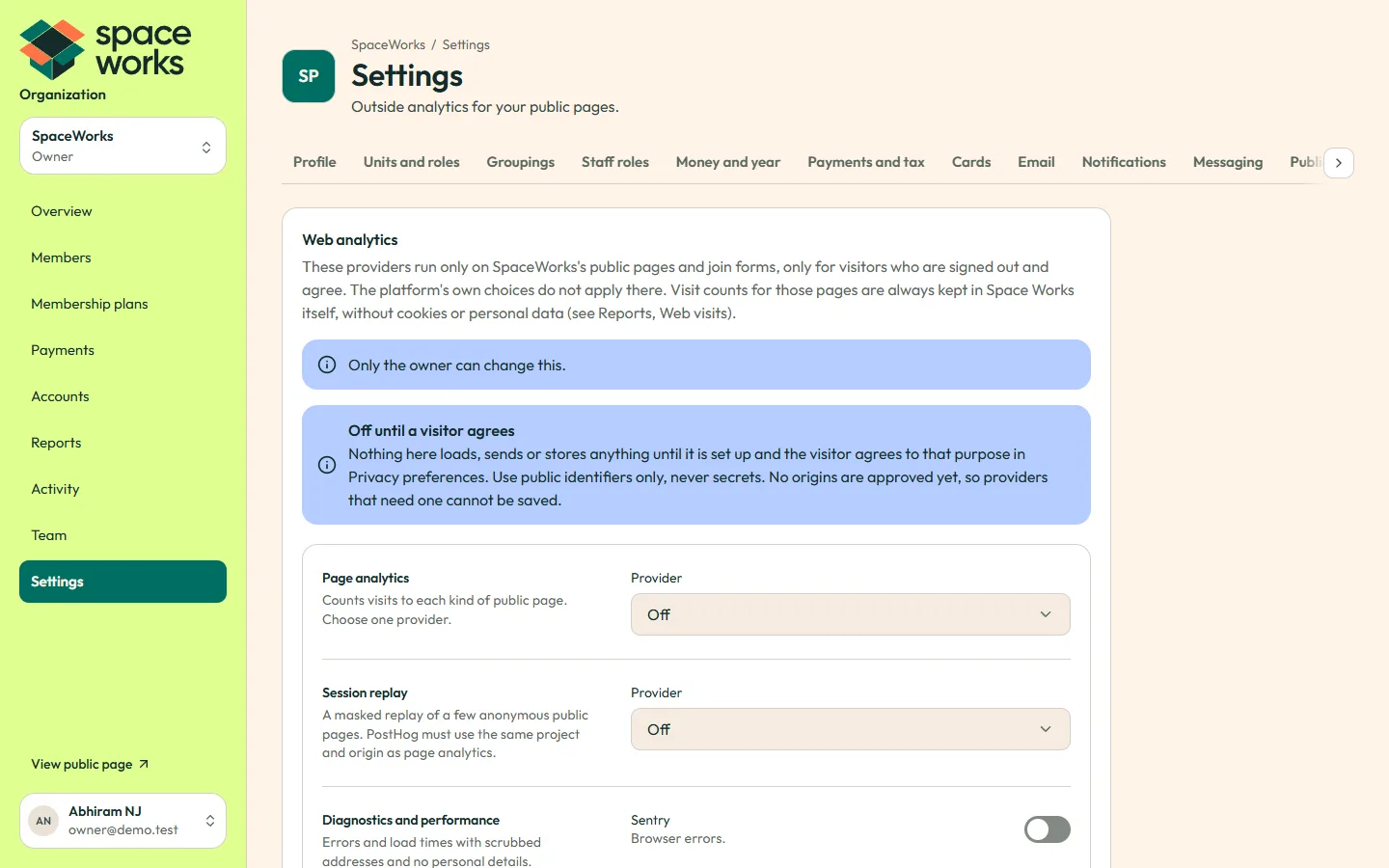
- With no provider set up, no script loads, no request is made and nothing is stored.
- Scripts load only after a visitor agrees in the consent banner, purpose by purpose (usage analytics, session replay, diagnostics and performance). Withdrawing consent in Privacy preferences stops them at once.
- Only page route templates are sent, never free text, query strings, names or email addresses. Outside providers run only for signed-out visitors, and only on approved public pages; replay runs on a few anonymous public pages and never on a join form.
- Settings take public identifiers only, never secrets, and a provider's own host must be on the operator's approved list.
Platform and organisation providers
- The platform super admin sets up providers for the whole site under Super admin, Settings, Web analytics (
/super-admin/settings). - Each organisation can set up its own under Settings, Web analytics (
/dashboard/<org>/settings/analytics). They run only on its own public pages (/o/<slug>) and join forms, only for signed-out visitors who agree, with consent kept separately for that organisation. - The platform's providers do not run on an organisation's pages, so a page never runs two page-analytics providers. Mixpanel is never available to an organisation, and an organisation that is not active runs none.
- An organisation's public page lists the providers it uses and links to Privacy preferences.
Set up a provider for your organisation
- Make sure the operator has approved the provider's hosts (see below).
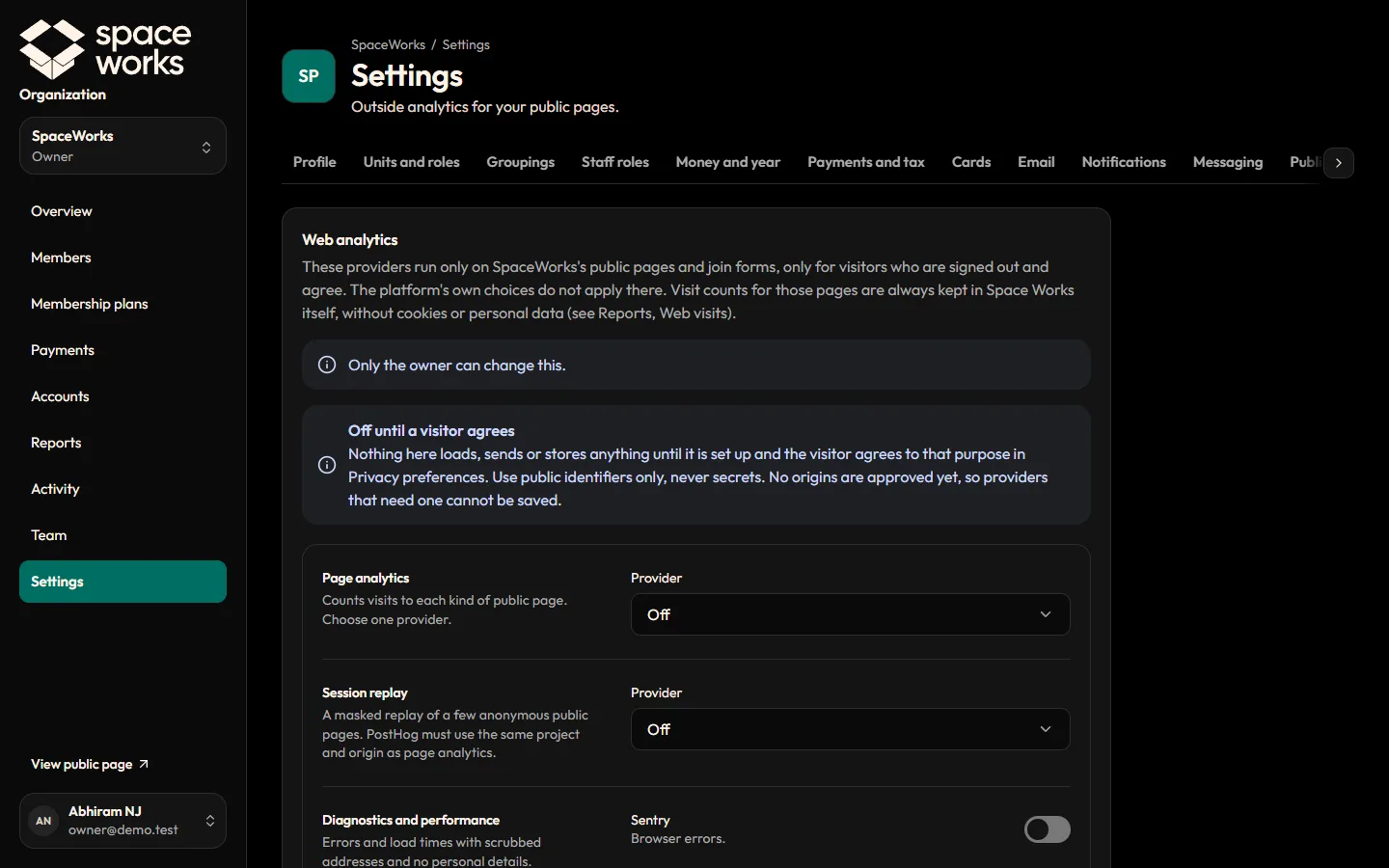
- As the Owner, open Settings, then Web analytics.
- Under Page analytics, Session replay or Diagnostics and performance, choose a provider and enter its public identifier (and, for Plausible, Umami or PostHog, an approved origin where needed).
- Save. Visitors who agree in the consent banner on your public pages are then counted.
Note: A saved setting that stops passing the checks, for example because the operator removed an origin, counts as not set up.
Who can use it
- The platform super admin, for the whole site.
- An organisation's Owner, for its own public pages. The tab shows only to people holding
org.delete★ (OWNER_ONLY), which is the Owner alone; a super admin acting in the organisation as its owner can set it up too. - Web visits needs
reports.membershipand is open to staff limited to a unit, because it is about public pages, not member data. The unit and plan filters do not apply to it.
Turning it on or off
- Switch a provider on by choosing it and saving its public identifier; choose none, or remove the identifier, to switch it off.
- Outside hosts must first be approved by the operator in
WEB_TELEMETRY_ALLOWED_ORIGINS(barehttps://origins, set on the backend and the website alike). The page security policy widens for those origins on public pages only. Empty keeps everything strict. - Mixpanel is set by the operator only, with
WEB_TELEMETRY_MIXPANEL_TOKEN(and optionallyWEB_TELEMETRY_MIXPANEL_API_HOSTandWEB_TELEMETRY_MIXPANEL_SDK_HOST). While it is set, Mixpanel replaces the platform's page-analytics provider. - Visit counts are always on and can't be switched off.
Screenshots
API
There is no public REST API yet. Visit counts are sent to POST /api/visits, which always answers 204; see webhooks and endpoints. Changes to the settings are audited by field name only. The source is on GitHub, with the providers in lib/telemetry.
Related
- Reports and analytics, for Web visits beside the other reports
- Public page, where organisation providers run
- Security, for what an operator must list
- Configuration and environment variables
From SpaceWorks-Organization/docs/features/web-analytics.md at 7cd1441, updated 2026-11-21. Suggest a change