Space Works Organization · Features
Renewals
Memberships run in terms that move from active to grace to lapsed on their own, and renewals keep a member's standing and card without a gap.
What it does
Terms and their states
Each membership is a term on one plan, with a start, an end and, where the plan allows, a grace period. A background job (the membership sweep, every minute) moves terms along the clock and writes a status event for every change:
| State | Meaning |
|---|---|
| Waiting for approval | An application or renewal waiting for staff to verify it |
| Waiting for payment | Approved, but the fee is not paid yet; it expires after 14 days unpaid |
| Upcoming | Paid for, starting on a later date (for example a renewal paid early) |
| Active | Current |
| In grace | Past its end date but still valid while the member renews |
| Lapsed | Grace ran out without a renewal |
| Ended | Replaced by a renewal, or ended by a renewal paid during grace |
Cancelled, declined, revoked and expired terms stay in the history. Lifetime plans never end and have no renewals.
Plan settings
Each plan's Renewals section sets:
- Renewal opens (days before the end): members can renew from this many days before the end date.
- Grace after the end (days): members stay valid, marked as in grace, while they renew.
- Remind before the end (days) and Remind after the end (days): for example 30, 7 and 0 (the last day) before, and 7 after. Each reminder goes once.
- A late renewal keeps the original dates: renewing during grace continues from the old end date, so everyone stays on the same cycle. Off, a late renewal starts on the day it is paid.
The Renewal conditions section adds:
- Renewals need approval again: a member's renewal waits for your team, like a new application.
- Ask the join-form questions again: members confirm their answers when they renew.
- Ask for a current photo: members add a photo when they renew.
- Keep in grace for extra days: added to the grace days before the membership lapses.
- Who may renew: only members of a chosen smart group can renew from their account.
- Renew into another plan: move members to another plan when they renew, if they are aged at least a number of years (from the date of birth they gave when joining), after a number of years of membership, or in a smart group. Every condition you set must hold. The renewal is then charged at the other plan's renewal price.
Changes to the conditions apply to renewals from then on.
Reminders
Besides the reminders before and after the end, members hear when grace starts, three days before grace ends and when the membership lapses, each once. Reminders go by email and, where the member has linked one, by text or chat. See Notifications.
Renew a membership
- Members renew from their account with Renew, early (from the day renewal opens) or late (during grace). A paid plan then waits for payment, and the member is told how to pay. A member who can't renew gets a plain reason, such as when renewal opens or that they should join again.
- Staff renew for a member from the member page with Start renewal. Staff skip the renewal window, the smart group, approval and the questions asked again.
- Only one renewal can be in progress per membership. A member can cancel a renewal they started, and their current membership carries on until it ends.
A renewal keeps the same card and card number, because the card reads the member's standing live. A renewal paid during grace ends the old term at once.
Rejoin after a lapse
Once a membership has lapsed, Renew becomes Rejoin (and Start renewal becomes Rejoin for staff). Rejoining starts a new membership rather than a renewal: it uses the plan's join price, charges the joining fee again if the plan's rejoin rule says so, and gives the member a new card number.
Send reminders by hand
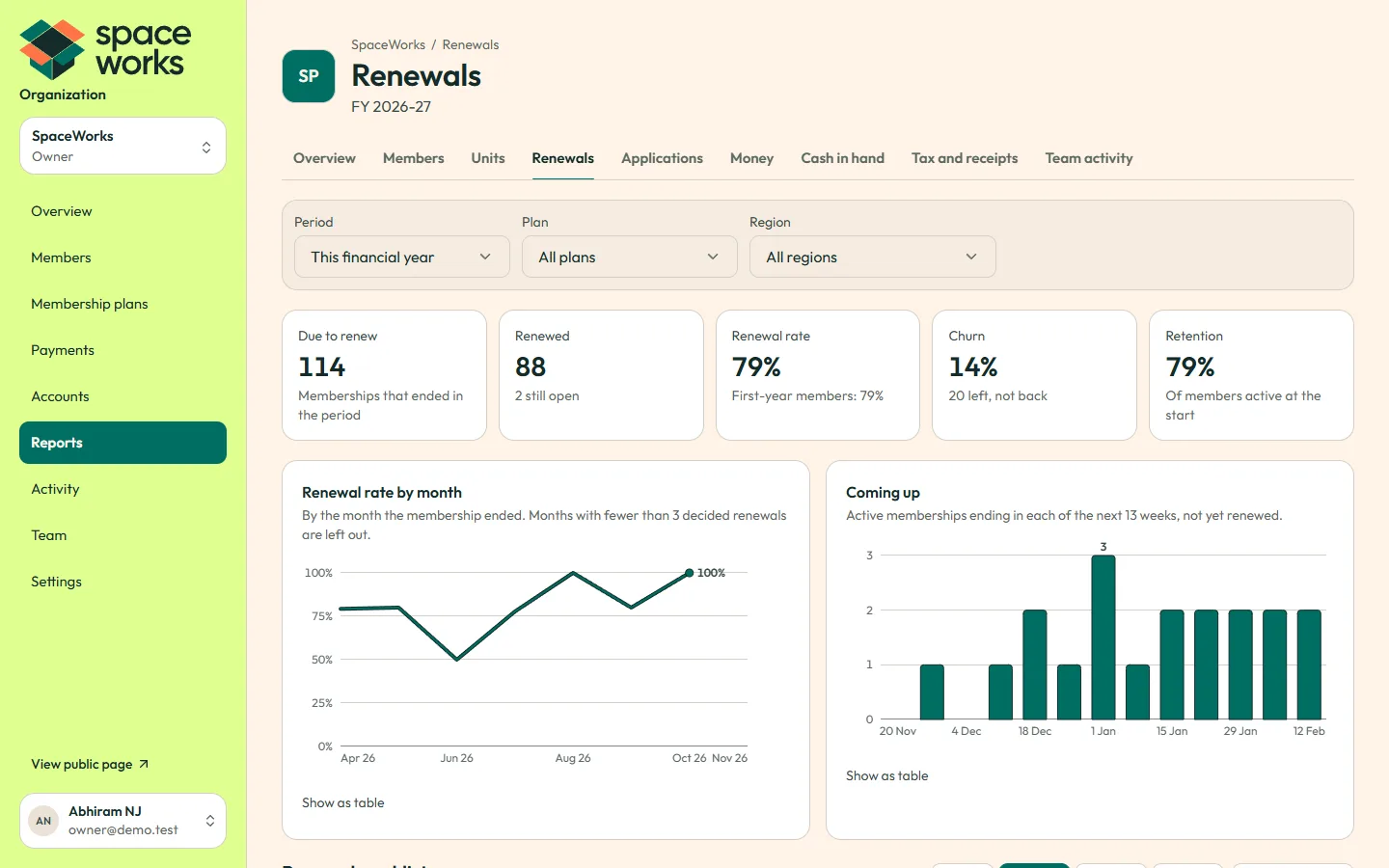
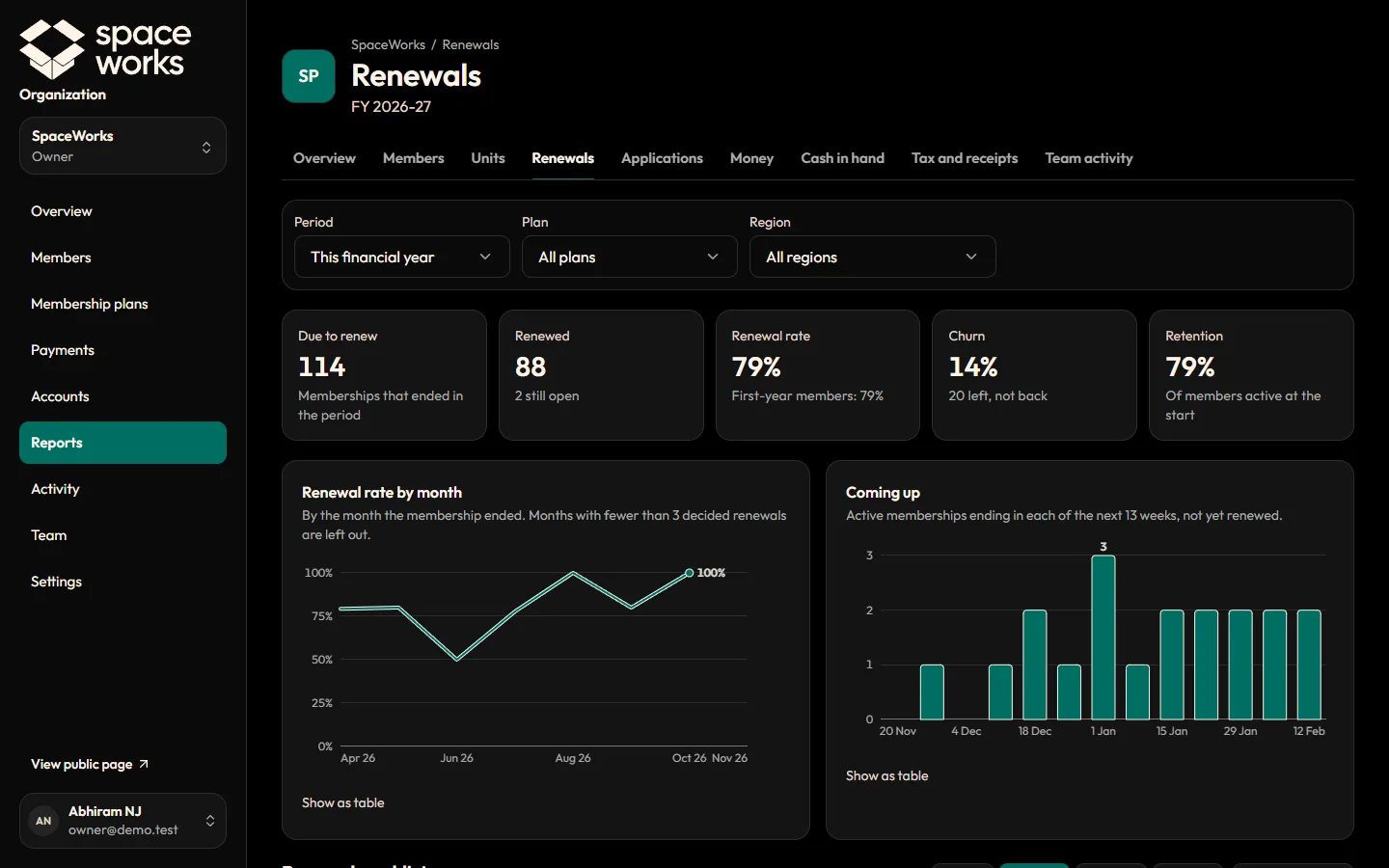
- Open Reports, then the renewals report (
/dashboard/<org>/reports/renewals). - In the worklist of memberships due for renewal or in grace, select the members to remind.
- Choose Send reminder, then Send reminders to confirm.
A membership can be reminded by hand once a day; anyone already reminded today can't be selected.
Other staff actions
From the member page, staff can Change end date (with a reason, kept on the timeline), Revoke a membership (with a note sent to the member) and Reinstate a revoked one.
Who can use it
- Renewing for a member, rejoining, changing end dates, revoking, reinstating and sending reminders need
members.manage. Staff limited to a unit or grouping act only on members inside their reach. - The renewals report and its worklist need
reports.membership; the Send reminder button also needsmembers.manage. - Renewal settings and conditions are part of the plan and need
plans.manage(◆ORG_WIDE_TO_CHANGE). - Members renew themselves from
/accountwhile the organisation has member accounts switched on.
Turning it on or off
- Reminders, grace and the renewal conditions are set on each plan, under Membership plans.
- With Members can sign in to their own account switched off (Settings, Profile, Member accounts), members have no account to renew from: reminders link to the organisation's public page, and when staff start a renewal the payment email carries a signed pay link instead.
- Lifetime plans have no renewals at all.
Screenshots
API
There is no public REST API yet. The membership sweep runs from the background worker, or from
POST /api/internal/jobs on hosts without one; see Webhooks and internal endpoints.
The source is on GitHub.
Related
From SpaceWorks-Organization/docs/features/renewals.md at 7cd1441, updated 2026-11-21. Suggest a change